
Appointment management software
Your smart appointment manager.
OnTime finds the slot, tells your clients by SMS and keeps every client record current. For any business that runs on appointments.
- 30 days free
- No credit card
- Ready in 2 minutes
Consultation
A. Diop
Follow-up
M. Fall
Cut & blow-dry
L. Martin
Follow-up
F. Sow
Review
C. Ndiaye
Check-up
Session
A. Bâ
Consultation
O. Gueye
Follow-up
M. Sarr
Consultation
J. Lefèvre
Cut & blow-dry
K. Camara
Check-up
Follow-up
A. Diop
Review
L. Martin
Session
C. Ndiaye
Check-up
Session
M. Fall
Consultation
F. Sow
Follow-up
S. Dubois
Review
O. Gueye
Next free slot
Tuesday 10:15 · 45 min
Getting started
Three simple steps.
No installation, no sales call. You are ready before your next client walks in.
- 1
Create your account
Your business name, an email, a password. Two minutes, no credit card.
Create your account
Business name
Lumière StudioEmail
hello@lumiere-studio.comPassword
••••••••••Start the free trial - 2
Set your hours and services
The built-in guide shows you where to enter your hours, your appointment types and how long each one takes. Invite colleagues by email if you work as a team.
Your hours
Mon08:0012:0014:0018:00Tue08:0012:0014:0018:00Wed08:0012:0014:0018:00Thu08:0012:0014:0018:00Fri08:0012:0014:0018:00Your appointment types
Consultation30 minReview45 minFollow-up20 min - 3
Book your first appointment
Pick the client and the service. OnTime proposes the first free slot, you confirm. Your calendar is running.
Client
Awa DiopService
Consultation · 30 minSuggested slot
Tuesday 10:15Confirm
Create your account
Business name
Password
For professionals
Built for the way you work.
A practice, a salon, a gym and a workshop do not share the same day. OnTime follows yours: your hours, your services, your durations.

Beauty & wellness
Cut & blow-dry · Colour · Facial
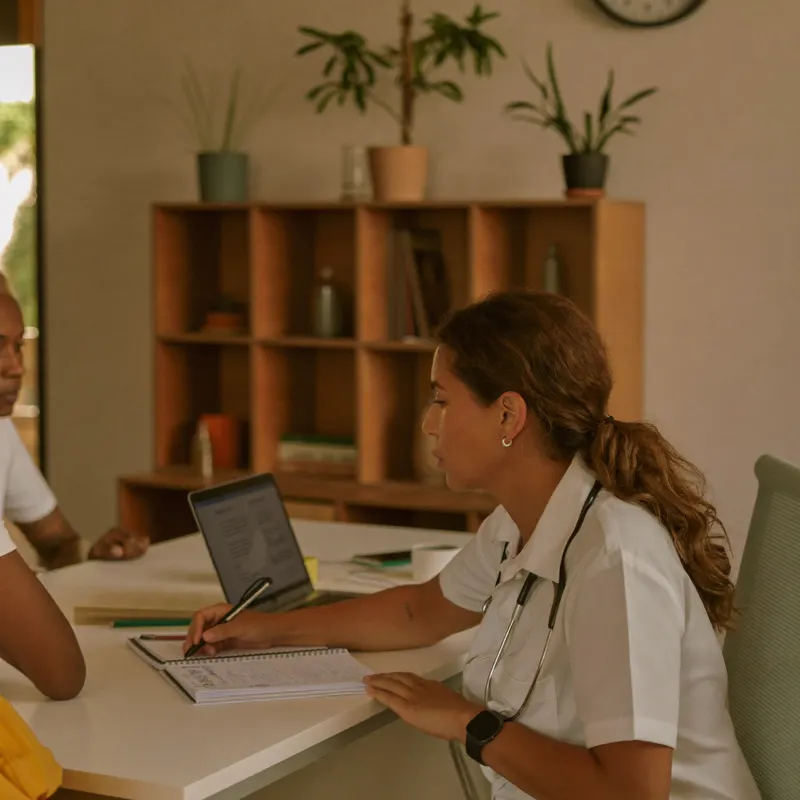
Health
Consultation · Check-up · Review
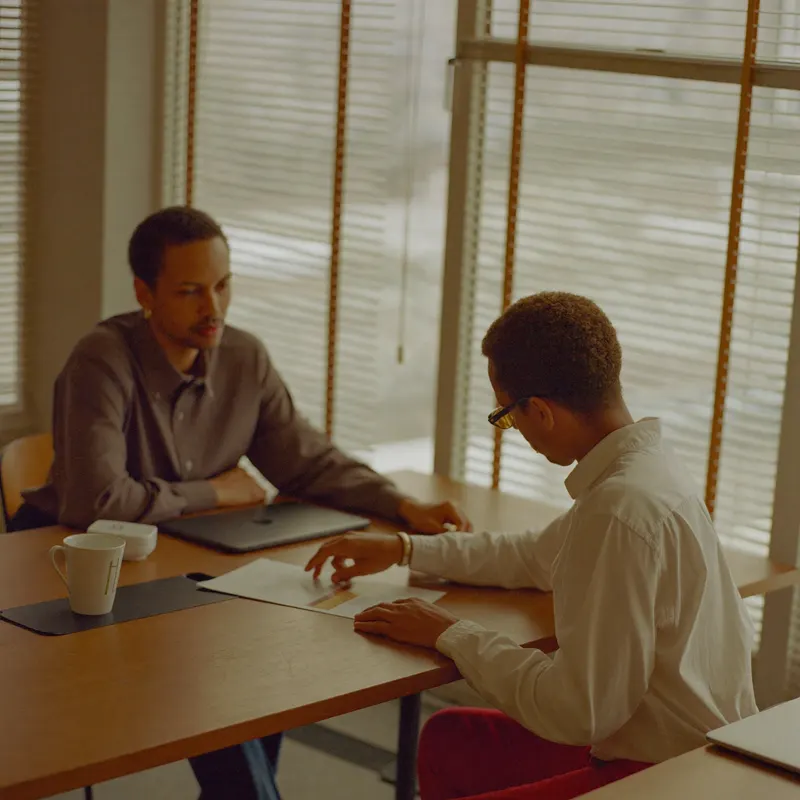
Consulting & services
First meeting · Follow-up · Signing

Education & training
Private lesson · Review · Group session

Sport & coaching
Session · Assessment · Trial session

Craftspeople
Quote · Job on site · Inspection
Client record
Every client detail, right where you need it.
Contact details, appointment history, notes and documents: one record per client, found by typing a name or a number.
Custom fields for the information that matters to your business.
Notes per practitioner, shared only with the colleagues you allow.
Full appointment history, including late arrivals and no-shows.
Photos and PDFs attached straight to the record.
Awa Diop
+221 77 123 45 67
Last visit
12 March · Consultation
Next appointment
Tuesday 10:15 · Follow-up
Documents
Notes
Wants the next follow-ups moved to late morning.
Reason: monthly follow-up. Decision: next review in six weeks.
Allow ten extra minutes at each visit.
History
Dashboard
More clarity about your business.
Revenue, appointments done, waiting time, new clients: your numbers for the day, the week or the year, per practitioner.
Revenue and volume by appointment type.
Actual duration against planned duration, so you can adjust your slots.
No-show rate and the value of missed appointments, computed only on appointments you actually tracked.
Filters by period and by team member.
Scheduling
The next available slot, found for you.
Pick the service. OnTime walks through the practitioner's hours, appointments and absences, then proposes the first free slot.
Hours per practitioner, up to three ranges a day.
A duration of its own for every appointment type.
Absences and leave taken into account automatically.
A public booking page so your clients can request an appointment themselves.
Service
AI notes
Spend less time taking notes.
Record the appointment from OnTime. A few minutes later a structured summary is ready in the client's record: reason, points discussed, decisions, next steps.
The client agrees once and can withdraw at any time.
The audio is deleted as soon as the summary is produced. No transcript is kept.
The summary is marked AI generated and stays editable.
Works in French and English.
Available as an option on every plan, as minute packages per professional.
SMS reminders
Fewer missed appointments. Better communication.
The day before each appointment, your client gets an SMS with the practitioner's name, the date and the time. They know, they show up.
Sent automatically the day before, nothing to do.
One message per client, even with several appointments.
Confirmation at booking and a notice when an appointment moves, if you turn them on.
Written in your country's language.
OnTime
Confirmation · Mon 09:12
Delivered
Day-before reminder · Mon 12:00
Delivered
Rescheduled · Tue 08:40
Delivered
Frequently asked questions
What people ask before they start.
Does the free trial need a credit card?
No. You create your account with an email and start right away. For 30 days every feature is included, with no payment method on file.
What happens when the trial ends?
You pick a plan and pay your first invoice to continue. If you do not subscribe, your access is paused. Your data is kept and everything is back the moment you subscribe.
Can I work as a team?
Yes. Invite colleagues by email. Each practitioner has their own hours and appointment types, and you decide for each person what they can see: dashboard, settings, notes.
Do SMS reminders work in my country?
SMS reminders are live in Senegal, on Orange, Free and Expresso. Other countries are opening progressively. Write to us to check availability where you are. Every other feature works everywhere.
AI notes: what happens to the recording?
The client agrees before the first recording and can withdraw at any time. The audio is deleted as soon as the summary is produced and no transcript is kept. Only the summary remains, in the client's record, editable by you.
Is my data, and my clients' data, safe?
Your data is encrypted in transit, hosted on secure infrastructure and never resold. Each member of your team only sees what you allow them to see.
What if I need help getting started?
An interactive guide walks you through your first login and the Help menu is always one click away. For a specific question, write to contact@on-time.pro.
Get started with OnTime.
Create your account. Your calendar, your client records and your reminders are ready before your next appointment.
30 days free · No credit card
A question? Write to us at contact@on-time.pro